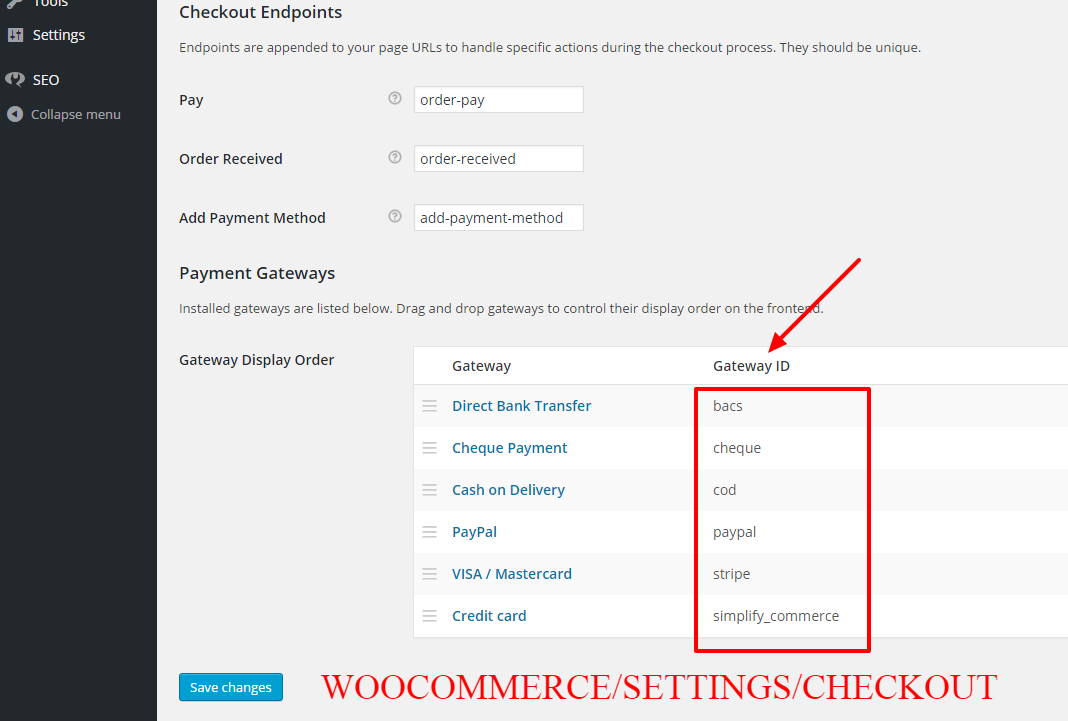
This is a cool function you can apply to any payment gateways for any order threshold. for example, you may want to disable bank transfers if orders are below $10, or disable PayPal payments if orders are above a certain cart total. Here’s what I did. Continue reading WooCommerce: How to Disable PayPal on Orders Above $100
Tag: Checkout Page
WooCommerce: Add Shipping Notices on Checkout Page

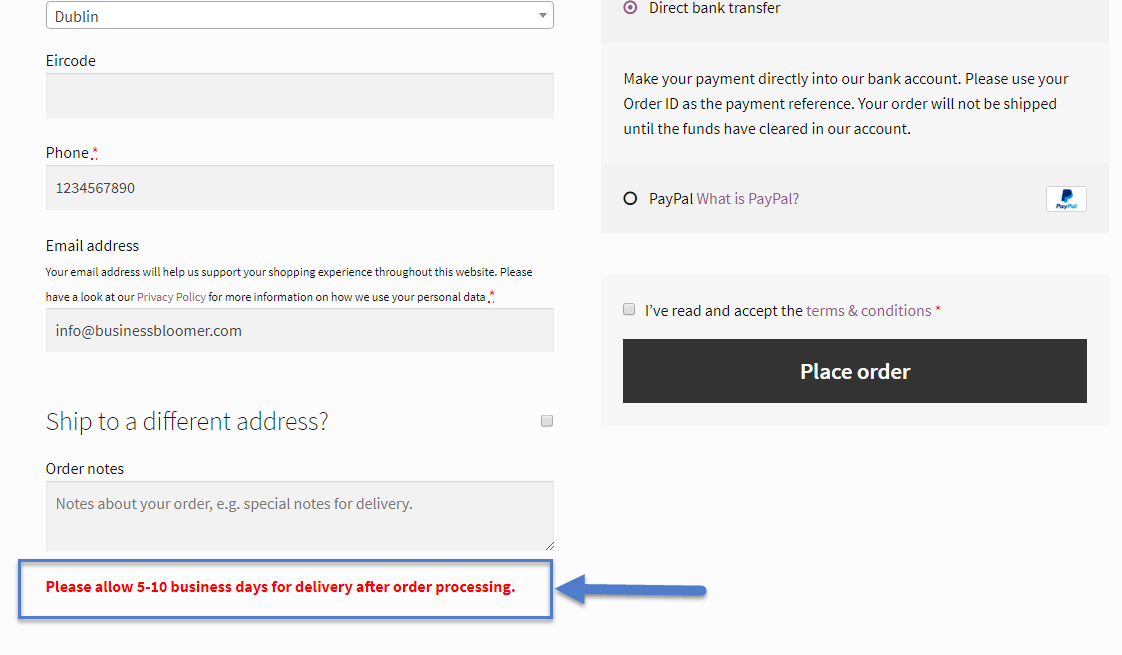
A WooCommerce client wanted to show some text in the checkout page, and specifically “Please allow 5-10 business days for delivery after order processing.” so that customers are aware of how shipping works. This is a vital information you should disclose on every page of your ecommerce website, and of course on the checkout page too. Continue reading WooCommerce: Add Shipping Notices on Checkout Page
WooCommerce: Limit Shipping to One State Only

WooCommerce allows you to limit shipping by countries (or “allowed” countries). However, say your business is based in Pennsylvania, USA (PA) or in one of the Australian states. You may want to limit shipping to a state only.
All you need is pasting the following code in your functions.php Continue reading WooCommerce: Limit Shipping to One State Only
WooCommerce: Disable Payment Gateway for Specific User Role
You may want to disable payment gateways depending on the logged in user role. For example, you may want to disable PayPal for user role “subscriber” or enable a specific gateway for user role “customer”.
All you need is to paste the following code in your functions.php or to install a super simple plugin. Enjoy!
Continue reading WooCommerce: Disable Payment Gateway for Specific User RoleWooCommerce: Hide Shipping Rates if Free Shipping Available
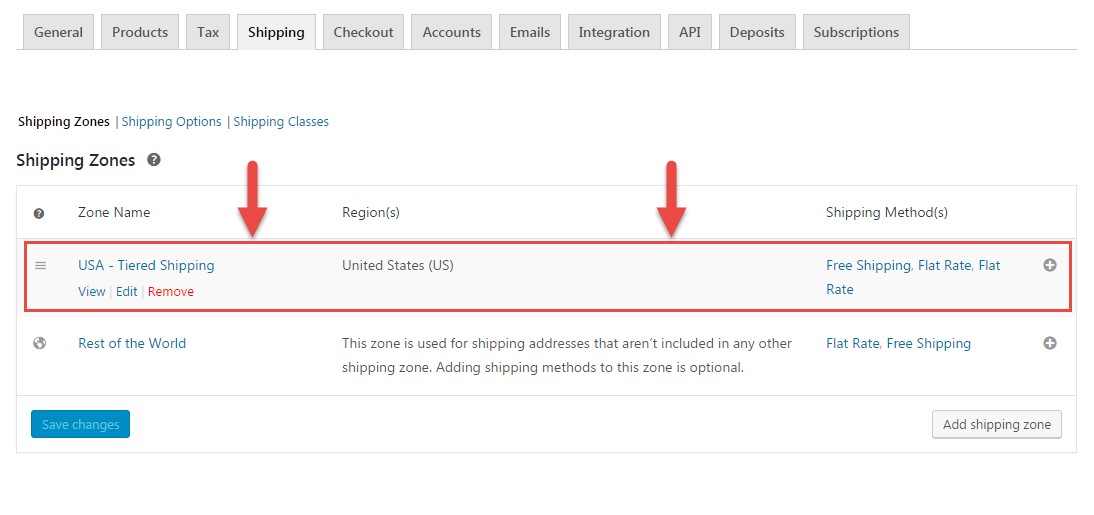
If Free Shipping is available, you possibly don’t want to show the other premium shipping options. WooCommerce shows by default all shipping rates that match a given shipping zone, so it’s not possible to achieve this from the settings alone.
Thankfully, the “woocommerce_package_rates” filter allows us to manipulate the shipping rates before they are returned to the frontend. In this example, we will disable all shipping methods but “Free Shipping” so that free shipping remains the only possible choice.
Here’s the code to add to your functions.php. Enjoy!
Continue reading WooCommerce: Hide Shipping Rates if Free Shipping AvailableWooCommerce: Disable Payment Gateway by Country
You might want to disable PayPal for non-local customers or enable a specific gateway for only one country… Either way, this is a very common requirement for all of those who trade internationally.
Here’s a simple snippet you can further customize to achieve your objective. Simply pick the payment gateway “slug” you want to disable/enable (“paypal”, “authorize”, “stripe”, etc.) and the country code (US, ES, IE, etc.) and then apply your conditional rules in the plugin below.
Continue reading WooCommerce: Disable Payment Gateway by Country