WooCommerce: Sort Shipping Costs from Low to High

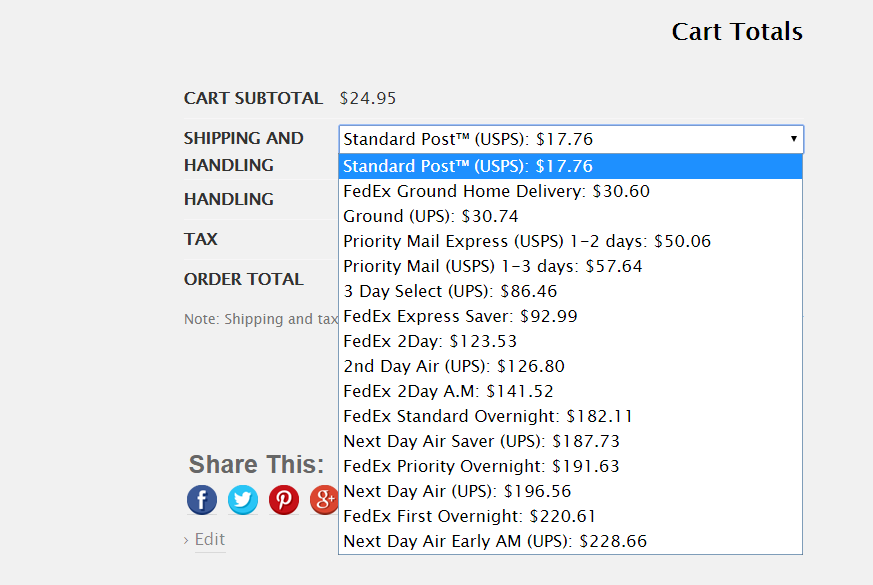
A client had several shipping rates on the cart page automatically generated by FedEx, USPS, UPS and similar plugins via their API. Problem was, they wanted to sort them by price as opposed to grouping them by provider.

Thankfully, with a simple “uasort” PHP function, it’s possible to take the shipping rates array and sort it by amount before returning it back to the screen. If you don’t know PHP, simply copy/paste!

Continue reading WooCommerce: Sort Shipping Costs from Low to High

WooCommerce: Display Logged in Username @ Checkout

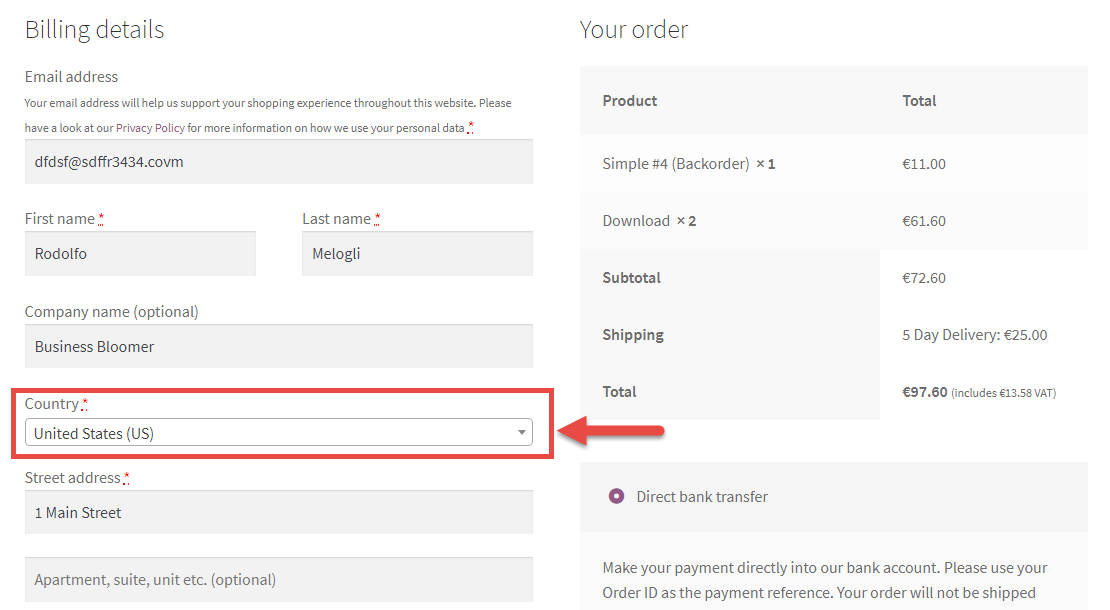
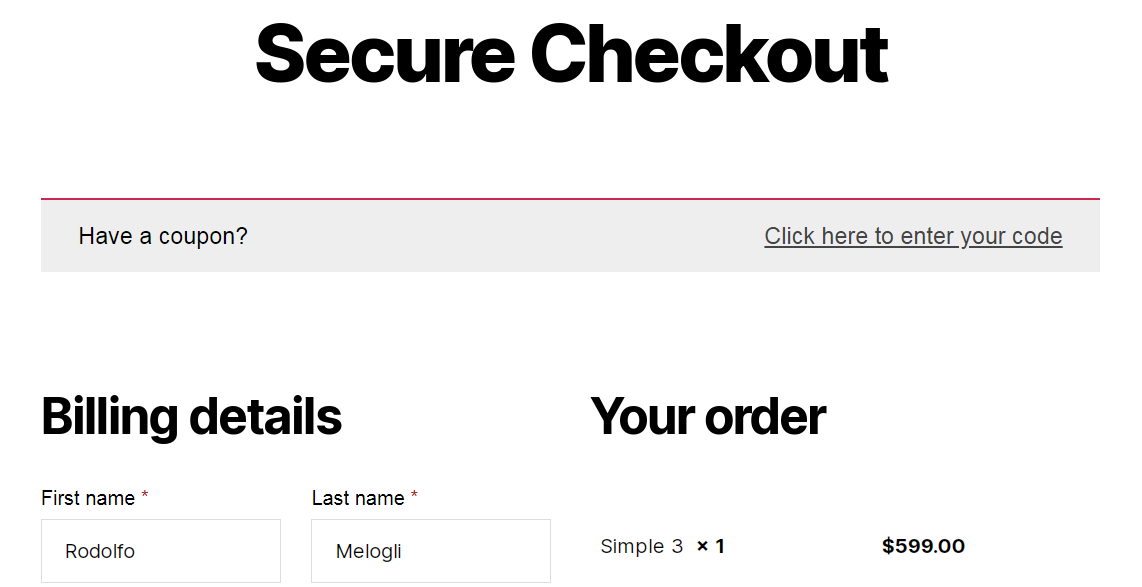
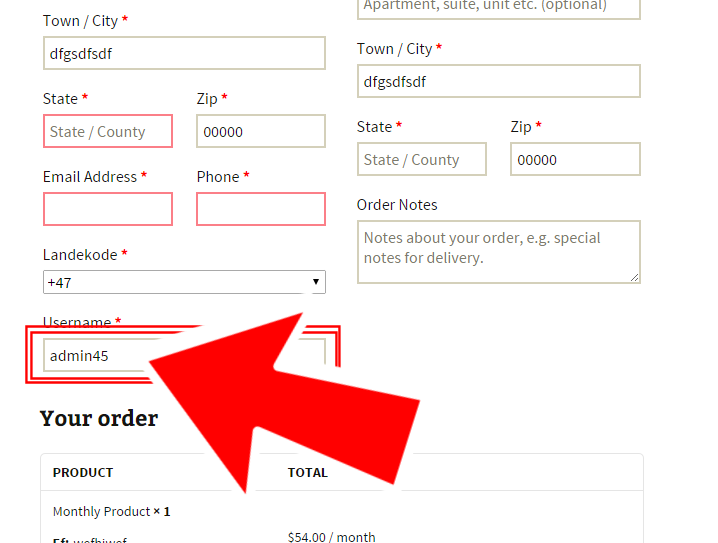
On a recent job, a client asked me to display the logged-in username in WooCommerce. It sounded like a simple task, but it actually opened the door to some interesting use cases. He specifically wanted the username to appear on the Checkout page—perhaps to personalize the experience—and also within the Order confirmation email sent to the customer.

This kind of functionality can be useful in many scenarios: showing a personalized greeting, tagging orders with usernames for internal reference, or even building custom conditional logic based on the current user.

Luckily, WooCommerce gives us access to the current user object pretty easily. Whether you’re editing templates or using hooks, retrieving the logged-in username is a quick win that can help enhance the user experience and add a touch of personalization to the purchase flow.

Here’s a simple code snippet you can use to get the logged-in username in WooCommerce.

Continue reading WooCommerce: Display Logged in Username @ Checkout

WooCommerce: How to Add Scripts to the Checkout Page

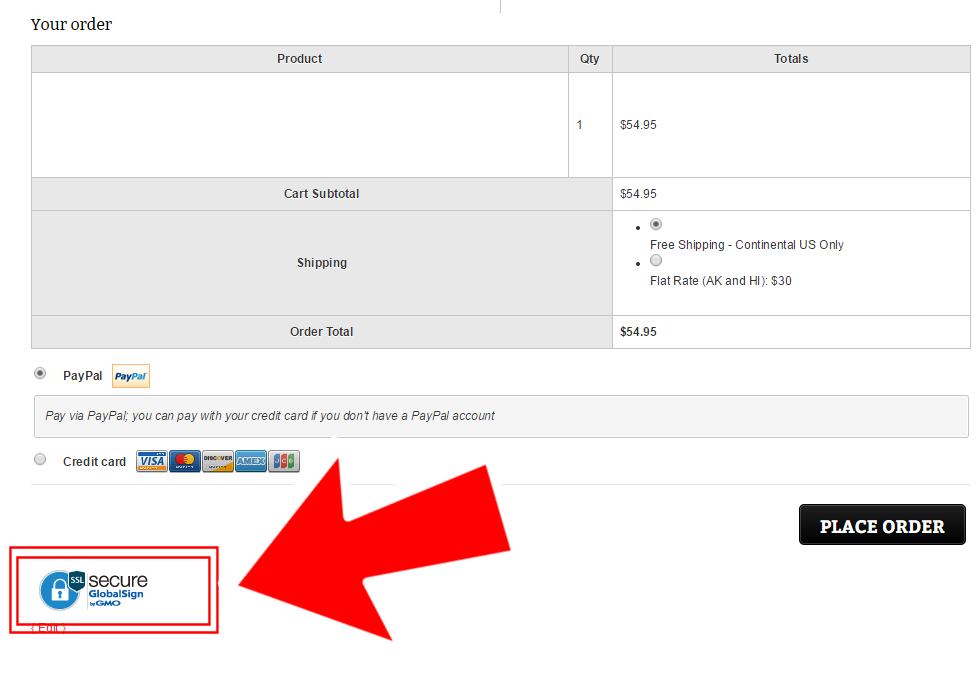
A client needed to add her SSL Logo Seal to the checkout page. The problem is that the code she was given had also a JS part, together with a bunch of HTML.

Unfortunately you can’t just copy and paste JavaScript in the checkout page… you need a workaround!

In this article, we will learn about wp_footer, a handy WordPress hook to print anything inside the footer, a bit of conditional logic to target the WooCommerce checkout page only (and therefore excluding the Thank You Page and Order Pay Page), and how to print HTML inside a PHP function. Enjoy!

Continue reading WooCommerce: How to Add Scripts to the Checkout Page

WooCommerce: Redirect to Custom Thank you Page

How can you redirect customers to a beautifully looking, custom, thank you page?

Thankfully you can add some PHP code to your functions.php or install a simple plugin and define a redirect to a custom WordPress page (as opposed to the default order-received endpoint). This is a great way for you to add specific up-sells, social media share and other information that could help you convert additional sales. 

Continue reading WooCommerce: Redirect to Custom Thank you Page

WooCommerce: Remove Shipping Labels @ Cart (e.g. “Flat Rate”)

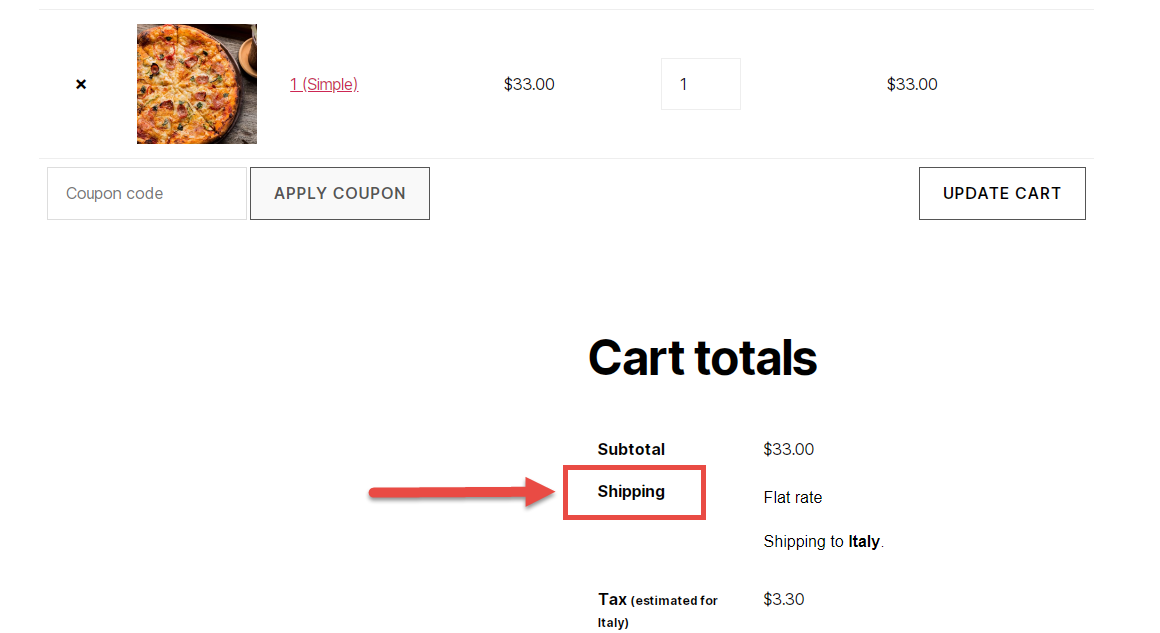
WooCommerce functions add the shipping method label on the Cart totals, on the left hand side of the price. This ruins the price amounts alignment (subtotal, shipping, taxes, total) and many clients have asked me to remove it completely. Also, it could be that sometimes you don’t want to show the name of a shipping rate on the front-end. So, here’s how you do it!

Continue reading WooCommerce: Remove Shipping Labels @ Cart (e.g. “Flat Rate”)

WooCommerce: Disable Keyboard “Enter” on Checkout Page

Interesting issue. A client found out that if you push “enter” on your keyboard while on the WooCommerce Checkout page, the form will be automatically submitted – as long as all required fields have been filled out.

Ouch! What if the customer wanted to use a different shipping method? What if “enter” is pushed by mistake? So, here’s how to disable it. Enjoy!

Continue reading WooCommerce: Disable Keyboard “Enter” on Checkout Page