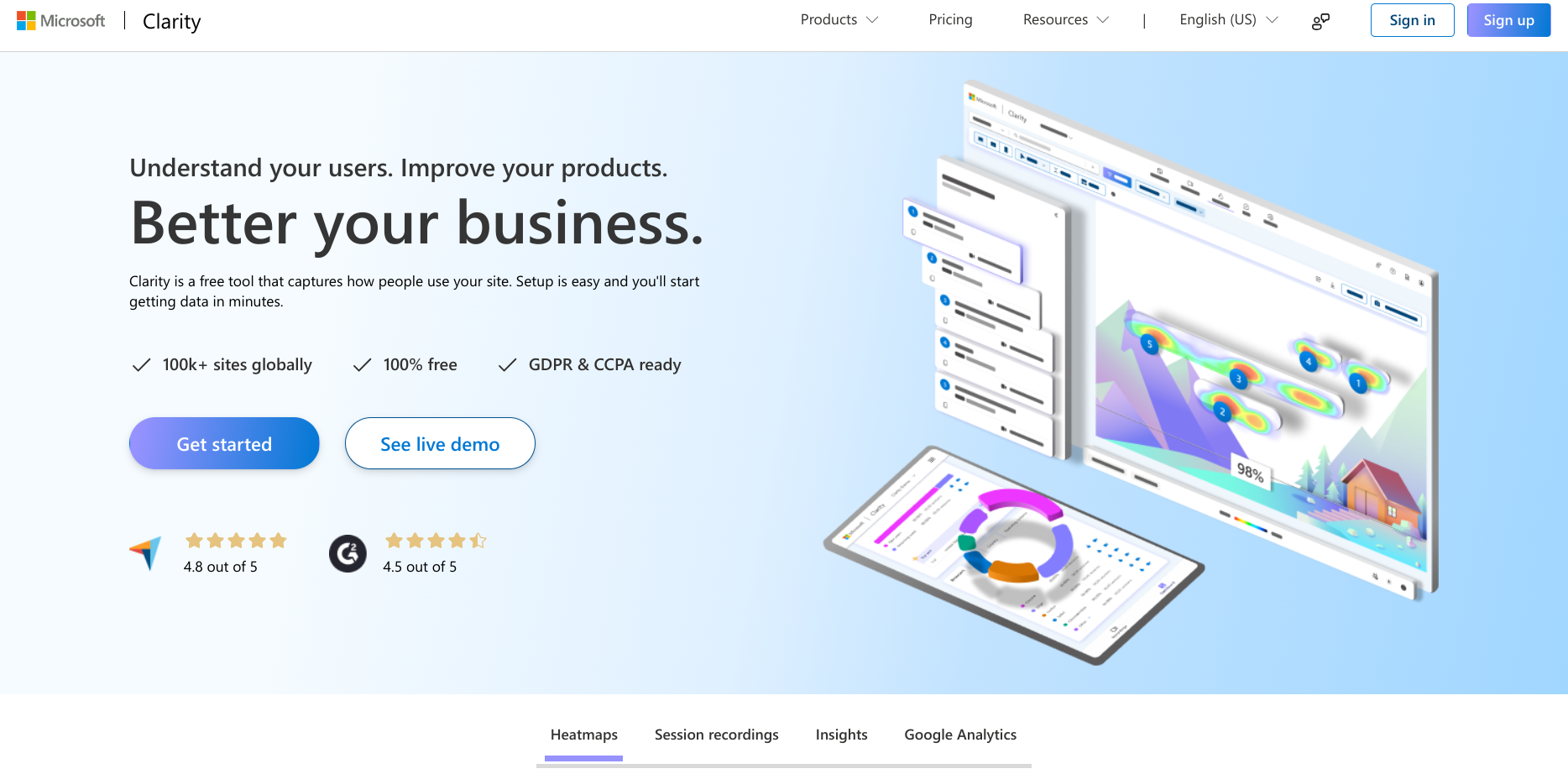
Learn how to use the free Microsoft Clarity plugin to record and analyze user behavior on your WooCommerce site, so you can drive growth and boost sales.
Hosted by Rodolfo Melogli
Masterclass overview
Are you looking to enhance your WooCommerce store’s performance?
Join my class, “Maximize Your WooCommerce Potential: Understanding User Behavior with Clarity”, and discover how recording and analyzing user behavior can reveal valuable insights.
I’ll guide you through the powerful features of Microsoft Clarity, showing you how to optimize user experience, reduce bounce rates, and increase conversions with a forever-free account and a forever-free plugin.
Quick example: thanks to MS Clarity, I found out some users were “rage clicking” to copy/paste my Business Bloomer code snippets… I then implemented a copy button on all my snippets – problem solved!
Microsoft Clarity is a free user behavior analytics tool that helps you understand how visitors interact with your website. Here are some key benefits of using MS Clarity for user behavior analysis:
Heatmaps – Clarity provides heatmaps that visualize where users click, scroll, and spend the most time on your site. This helps identify which elements are attracting attention and which are being ignored, enabling you to optimize your layout and design for better engagement.
Session Recordings – You can watch real user sessions to see how visitors navigate your site, where they face issues, or what makes them drop off. This gives you direct insight into their experience, allowing you to pinpoint problems in the user journey that might not be obvious from aggregated data.
UX Issues – Clarity highlights areas of frustration for users, such as “rage clicks” (repeated clicks on the same element) or “dead clicks” (clicks on non-interactive elements). Identifying these issues can help you quickly make targeted improvements that enhance user satisfaction and reduce abandonment rates.
Unlike some analytics tools, Clarity has a lightweight script that does not slow down your website. This means you can gather detailed user behavior data without compromising your site speed or performance, which is crucial for user experience and SEO.
Clarity is fully compliant with data privacy laws like GDPR and CCPA. It anonymizes user data and provides clear settings to manage data privacy, ensuring that you can analyze user behavior without compromising user trust or violating regulations.
Microsoft Clarity is completely free to use, with no traffic limits, storage caps, or premium features locked behind a paywall. This makes it an ideal choice for businesses of all sizes, from small startups to large enterprises.
During this class, I will show you how to install the Microsoft Clarity plugin on your WordPress site, and how to take a look at the data it collects, so that you can fix your WooCommerce website or spot new opportunities.
This is an amazing opportunity to see how a free plugin can have a huge impact on improving your WooCommerce website. It’s also a great opportunity to hang out with like-minded WooCommerce professionals during the live class (or forever, if you become a Business Bloomer Club member).

Video Recording
If you are a member, please log in.
Otherwise, here is why you should join the Club.
Useful Links
Microsoft Clarity plugin on the WordPress repo
What you’ll learn
Requirements
More WooCommerce Masterclasses
Here’s a list of free live webinars and member-only class recordings (we usually take a break for June-August, otherwise you should expect about 2 live classes per month). Make sure to attend live so you can interact with the teacher and the other attendees!
-

WooCommerce Plugin Marketing 101: Your First 1,000 Users
Most WooCommerce plugins never reach 1,000 active installs—but hitting that milestone is crucial for validating your product before going PRO. In this class, I’ll show…
-

WooCommerce Settings API: Build Custom Option Pages
Stop cluttering the WordPress admin menu with separate settings pages! Learn to create professional, native-feeling custom tabs and options right inside the WooCommerce Settings interface.…
-

WooCommerce Database Walkthrough: Tables Explained
Tired of relying on guesswork when querying crucial WooCommerce data? This is your essential tour. We will walk you table-by-table through the WooCommerce database schema,…
-

From Woo Plugins to Shopify Apps Dev: Is it Worth it?
You’ve mastered WooCommerce plugin development. But is the scalable income of the Shopify App Store worth the pivot? This session provides a clear-eyed look at…
-

Avoid Costly Mistakes: Spotting WooCommerce Client Red Flags
Are you tired of projects that go over budget, clients who ghost, or customers who drain support? Bad clients — whether for consulting, development, or…
-

Classic vs Block: Add, Remove & Edit WooCommerce Checkout Fields
Let’s dive into the ins and outs of customizing WooCommerce checkout fields, comparing the Classic Checkout with the Checkout Block. You’ll see exactly what’s possible…
-

Behind the Scenes: The Making of Checkout Summit 2026
What does it really take to build a WooCommerce site that can handle a major international conference? For Checkout Summit 2026, I started with nothing…
-

Supercharge WooCommerce With Custom Product Options
Custom product options (“add-ons”) in WooCommerce can do much more than just add text boxes or checkboxes to the product page. In this class, we’ll…
-

Send These 7 WooCommerce Emails & Watch Sales Grow
Think email marketing is too complicated? Think again… If you’re only sending WooCommerce order emails, you’re leaving money on the table. With the right premium…
-

Spotting WooCommerce Conversion Rate Killers: A Live Audit
In this class, I’ll be auditing several live WooCommerce stores to identify and analyze conversion rate optimization (CRO) issues. Whether it’s slow checkout, poor product…
– BACKED BY –

Is your WooCommerce store prepared for traffic spikes? Improve speeds up to 200% with our managed WooCommerce hosting. Enjoy scalable server resources, rock-solid security, and 24/7 support.