WooCommerce Dynamic Pricing: BOGO, Buy X Get Y & Conditional Discounts

Offering promotions is a great way to attract customers and increase sales in your online store. Some promotion strategies that have proven effective are the Buy One Get One Free (BOGO), Buy X Get Y, and WooCommerce dynamic pricing.

Taking this into account, you may want to offer reduced prices to your users in these various circumstances:

  • Run a flash sale for a limited time.
  • Encourage your customers to buy specific products in a clearance sale.
  • Offer product bundles to big spenders.
  • Add free shipping when someone makes a bulk purchase.
  • Automatically add gift items as part of your store’s loyalty program.

Without dedicated plugins, these strategies might be utterly difficult to conduct. To save yourself from the coding hassle, you should pick a WooCommerce dynamic pricing plugin to quickly get it up and running.

In this blog post, we will discuss how to create a BOGO promotion, Buy X Get Y, and dynamic pricing rules in WooCommerce based on user conditions. And it requires no coding knowledge. Let’s dive in.

Continue reading WooCommerce Dynamic Pricing: BOGO, Buy X Get Y & Conditional Discounts

WooCommerce: Get 10+ New Widgets With This Elementor Add-on

Already using Elementor to build your one-of-a-kind WooCommerce website?

Great, because you can now take your powered-by-Elementor WooCommerce store to the next level with a new third-party extension.

Think of product tables, grids, and carousels; of product page widgets such as toggles, improved star ratings, sale countdowns, and add to cart plus and minus buttons.

Also, category grid and carousel views. With plenty of layout and styling options, you can create a unique look and feel for your WooCommerce store.

Developed by Consortia, a company with a track record of creating popular plugins for WooCommerce like Bulk Table Editor, Cost & Reports and Bulk Category Editor, the new Consortia Addons plugins is the perfect fit for those who want to step up their Elementor game and take advantage of new features.

Continue reading WooCommerce: Get 10+ New Widgets With This Elementor Add-on

WooCommerce: How to Make Your Store More Mobile-Friendly

In April 2015, Google released an algorithm update that favored mobile-friendly pages in Google’s mobile oriented search results. This algorithm was named “Mobilegeddon”, and it gave leverage to those sites that display perfectly on smartphones and other mobile devices. 

Clearly, having a mobile-friendly website not only makes it easier to engage and convert mobile using customers, but also paves the way for better ranking and visibility on search engines.

While it is good practice to get a WooCommerce mobile app for your store, it is also important to optimize your website and make it more mobile-friendly.

We will first discover the benefits of making your website more mobile-friendly, and then learn the tips and tricks to optimize it for small devices.

Continue reading WooCommerce: How to Make Your Store More Mobile-Friendly

WooCommerce: 4 Ways to Grow Your Sales With Omni-Channel Marketing

The goal of marketing automation is to help you save on effort. However, sometimes it comes at the price of poorly targeted campaigns and half-baked marketing content, which can be outright damaging to your business.

The other problem with most of WooCommerce marketing automation tools is that they have a one-off approach to marketing that aims to get as much as possible from one user interaction – during checkout, for example – without providing for loyalty or retention. This goes against the golden rule of marketing, where your biggest asset is your leads and customers and your biggest mission is to retain them.

The solution is to use a omni-channel marketing approach, where a central tool collects and enriches user behavior and history in a unified profile and then uses that profile to deliver relevant campaigns across all user touchpoints. 

This ensures more harmonized marketing, a seamless experience for your users and eventually more trust and engagement with your brand. These are all the ingredients you need to increase the loyalty lifetime value of your users and customers. 

Continue reading WooCommerce: 4 Ways to Grow Your Sales With Omni-Channel Marketing

WooCommerce: How to Automate Upsells and Discounts?

We all want to grow our WooCommerce store sales but creating offers for thousands of products is a nightmare.

What if I said you can grow sales on autopilot and without pouring sweat and money into your business?

This post covers how you can set up automated WooCommerce upsells, discounts, order bumps and other offers – so that you can focus on other aspects of your business while your website does its magic.

Select from ready-made offers, run them on your sites, count your sales, relax.

Without further delays, let’s get started.

Continue reading WooCommerce: How to Automate Upsells and Discounts?

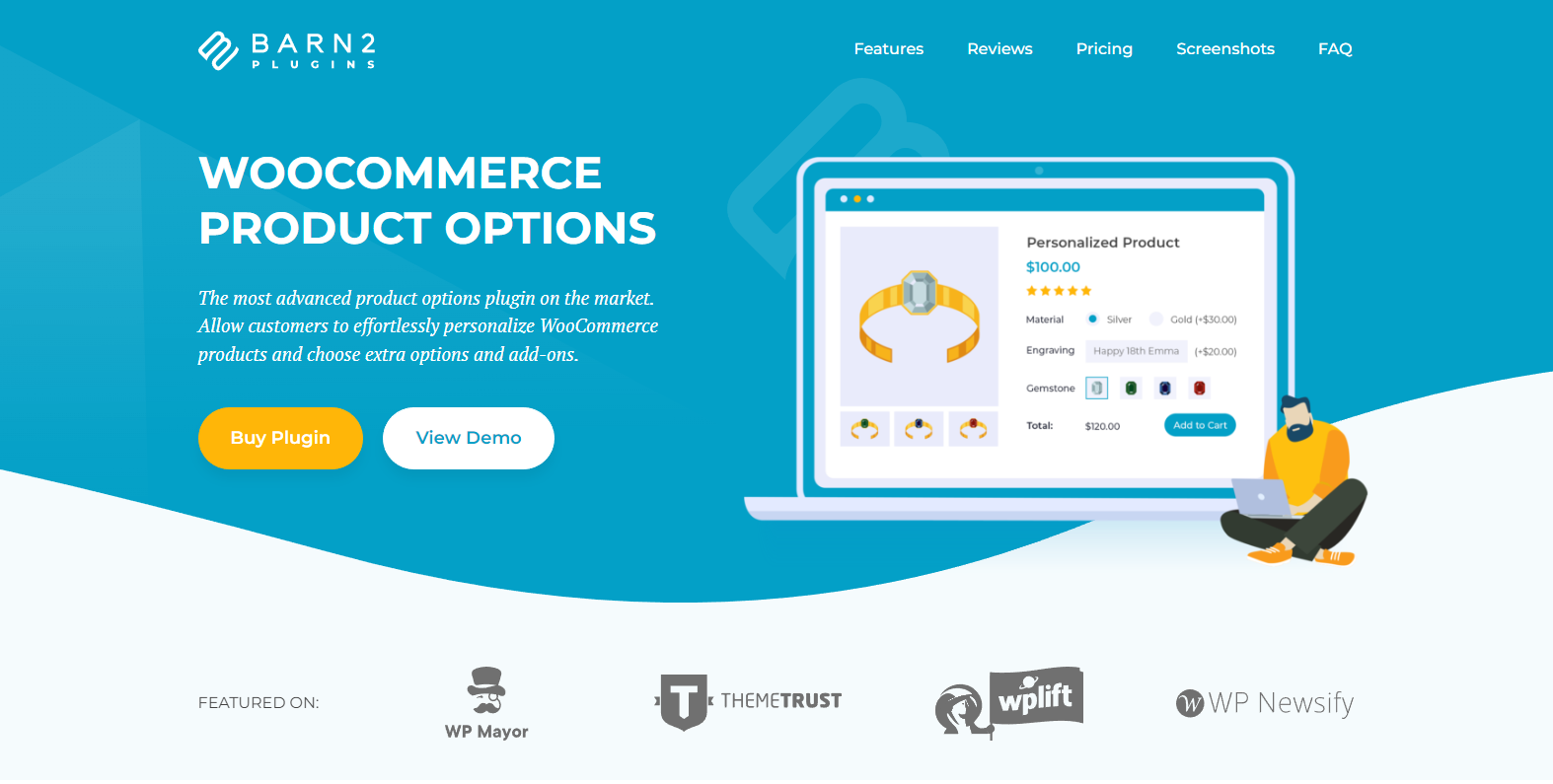
WooCommerce: Why Variable Products Are Too Limited (and How Add-Ons Can Help)

WooCommerce is rich with customization options for different kinds of eCommerce businesses. However, it’s quite limited when it comes to certain shopping solutions your online business may need – such as displaying product variations.

For instance, a customer may need to choose RAM size, storage size, and device color before buying a mobile phone. In this case, using the default WooCommerce variations will require you to create a variable product with hundreds if not thousands of attribute combinations.

This can be exhausting, and despite all that work, the result is often a slow and difficult to manage product backend due to a huge number of variations . Besides, your customers would have a hard time finding the exact variation when the only option they have are dropdowns with dozens of options.

The best way to give your customers a seamless user experience is to allow them to customize their products on the same page without using variations. Now, you can’t do that with WooCommerce alone. This is where WooCommerce product add-ons plugins come in.

In this article, we’ll show you the easiest way to create and sell variable WooCommerce products using WooCommerce Product Options. But before that, let’s talk about why you need additional product options in your store.

Continue reading WooCommerce: Why Variable Products Are Too Limited (and How Add-Ons Can Help)

WooCommerce: Shoptimizer Theme Review

If you’re looking for a WordPress theme for your WooCommerce store, then you should be searching for a theme that’s fast and packed full of useful features. 

However, as you’ve probably realized by now, this can be difficult to find.

Typically, most WooCommerce themes will either be fast with minimal features to avoid slowing things down or feature-rich but slow due to all the bloat from the extra functionality. 

You can even find themes that combine the worst of both worlds, being slow and lacking features, but the less said about those themes, the better!

However, while it’s rare, you can find themes that are both fast and have valuable features

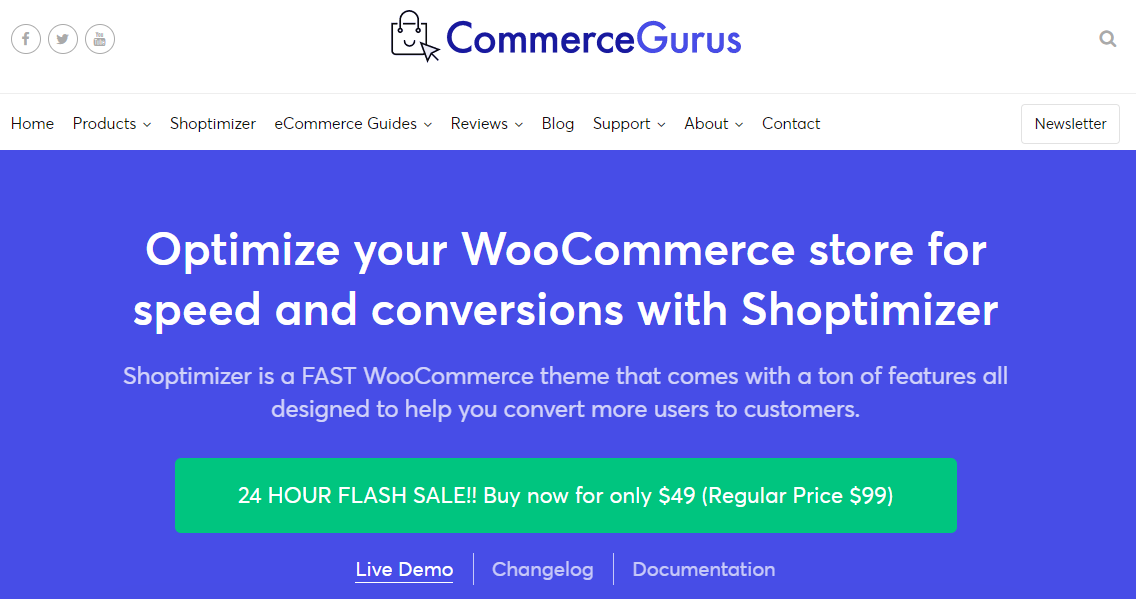
One theme that claims to fall into this category is Shoptimizer. It’s a well-established WooCommerce theme from the CommerceGurus team built to load quickly and come with the features needed for a successful eCommerce store. 

In this Shoptimizer review, we explore the key features of this theme. We’ll also determine whether or not this is a high-performance theme that will help your eCommerce store load as quickly as possible. 

Continue reading WooCommerce: Shoptimizer Theme Review

WooCommerce: Donation / Fundraising Plugins

Are you looking for ways to raise funds for a charity event or a non-profit organization? There are a multitude number of ways to go about it.

You can host an exclusive or virtual fundraising event, run email campaigns to collect funds, or even encourage friends and families to contribute their parts to the fund. However, these ways require a lot of legwork, including finding a place to host fundraising events, inviting guests, or hiring an email strategist to run marketing campaigns – which is time-consuming and expensive. 

The solution? Collecting online donations via WordPress or WooCommerce plugins to effectively raise funds for special causes, such as charities, non-profits, or relief funds. 

This article shares the best, easy-to-use, affordable WooCommerce fundraising and donations plugins you can use. Let’s get started!

Continue reading WooCommerce: Donation / Fundraising Plugins

WooCommerce: Why & How to Improve Product Filters

Many times, ecommerce customers are unable to find what they’re looking for quickly and easily. There are plenty of reasons for this, ranging from poor site design to a lack of search and filtering options.

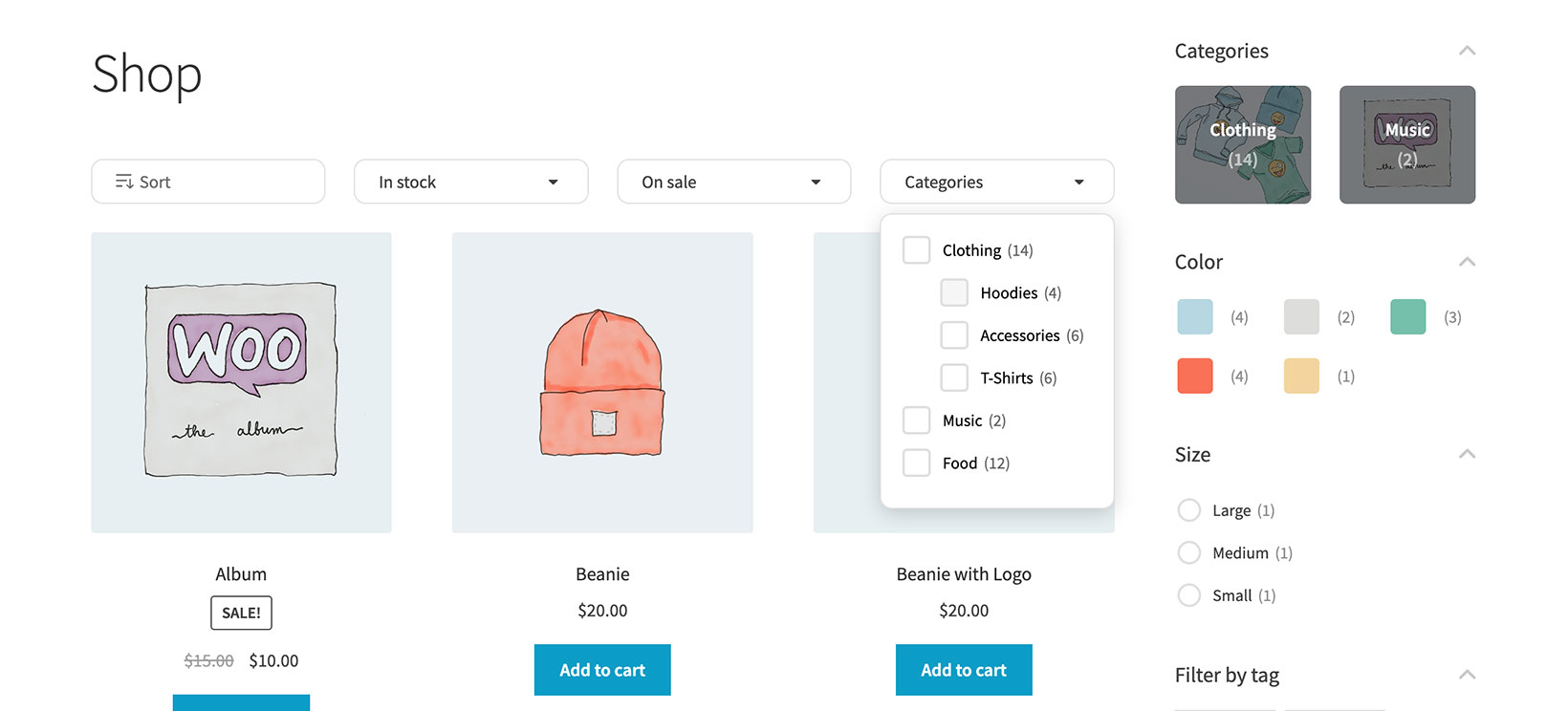
By improving product filters in your WooCommerce online store, you can help customers narrow down their search. This makes it easier for them to find the products they’re looking for.

In this tutorial, we’ll show you how to add advanced product filters, and explain why you should.

Continue reading WooCommerce: Why & How to Improve Product Filters

WooCommerce: Flatsome Theme Review

A remarkable and flawless user experience is the key to building a successful online presence for eCommerce businesses. How often do your customers enter your website, get distracted from running other errands, or abandon your store because of confusing age layouts?  

According to the statistics, 38% of site visitors stop engaging with websites due to unattractive content and page layout. Thus, attracting customers’ attention and offering a quality experience through an appealing and intuitive page design is important to ensure customer retention and increase sales.  

And your store’s theme is one important element that helps hold visitors’ interest and assist their page navigation. While you can choose from multiple themes for your WooCommerce website, choosing a multipurpose theme that delivers great performance, offers high customization abilities, and facilitates user experience is what you need to deliver a quality experience. 

This article reviews one such important theme – the Flatsome WordPress theme. We’ll start with its brief overview and see its interface, features, benefits, and cost to help you determine whether it’s the right choice for your eCommerce store. Let’s go!

Continue reading WooCommerce: Flatsome Theme Review

WooCommerce: How to Set Up a Multi Vendor / Marketplace Website

Are you looking to build a marketplace where multiple vendors advertise and sell their own products?

Would you like to build the next eBay, or perhaps Etsy, while earning commissions or fees for each vendor or marketplace transaction?

In this article we’ll take a look at the main features, challenges and advantages of building a multivendor platform based on WooCommerce. 

Continue reading WooCommerce: How to Set Up a Multi Vendor / Marketplace Website

WooCommerce + Elementor: Let’s Build Cool Stuff

Do you want to tweak and design your WordPress website without hiring a developer? Good news: it’s completely possible with WordPress page builder plugins. 

A WordPress page builder plugin comes with an intuitive drag-and-drop interface to create beautiful custom pages and websites. Thus, regardless of your skillset or technical know-how, page builder plugins make designing your ideal website a breeze without writing a single line of code. 

Now, if you’re wondering which WordPress page builder plugin you should consider, you’re in the right place. In this article, we’ll review one of the most popular options: Elementor, which is considered the gold standard. Elementor is the second most-installed WordPress plugin with 2 million active installations – used by around 15.9% of WordPress websites

We’ll start with Elementor’s brief overview and further review the plugin’s interface, features, and pricing to help you determine whether it’s the right choice for your site. Let’s go!  

Continue reading WooCommerce + Elementor: Let’s Build Cool Stuff

WooCommerce: Boosting your Sales With a Digital Asset Management System

Digital asset management software is vital if you have a website, whether you are an e-commerce store owner or a content producer.

Digital Asset Management (DAM) software is a solution for organizing, storing, and managing digital resources like documents, images, videos, audio, infographics, etc.

Nowadays, almost everything is digital, so digital assets are precious to organizations and individuals.

If you own a WooCommerce shop, you need a robust DAM system that can help boost your sales. But before looking at some reasons why it’s a great add-on to your business, let’s see what a DAM system is.

Continue reading WooCommerce: Boosting your Sales With a Digital Asset Management System

WooCommerce vs. BigCommerce: Which Ecommerce Platform is Better?

Do you intend to create an online store? Cannot pick between self-hosted WooCommerce and cloud-powered BigCommerce? Don’t worry, you are not on your own. 

The only way to truly determine which of these two eCommerce solutions is more suitable, is to compare them side by side – we will take a look at their features, price, convenience of use, cost, support, security, customization, and many other factors.

In this article, we’ll help you determine which ecommerce solution more appropriate for your business requirements. Self-hosted or cloud? Subscription or free in theory? Customization or integrations? Huge or small community? There are lots of questions you may have.

So, are you ready for the battle of WooCommerce vs. BigCommerce? Let’s get started.

Continue reading WooCommerce vs. BigCommerce: Which Ecommerce Platform is Better?