WooCommerce: Display Out of Stock Products (Shortcode)

A client of mine wanted to show out of stock products on a separate page – so I coded a simple shortcode for you all!

You can use this shortcode for different goals. For example, you might want to display what products you’ve sold to enhance customer trust / social proof.

So let’s see (1) how to create a shortcode and (2) how to take advantage of the existing [products] WooCommerce shortcode and its “ids” parameter to pass just those product IDs that are out of stock!

Continue reading WooCommerce: Display Out of Stock Products (Shortcode)
WooCommerce: Display Variations’ Stock @ Shop Page

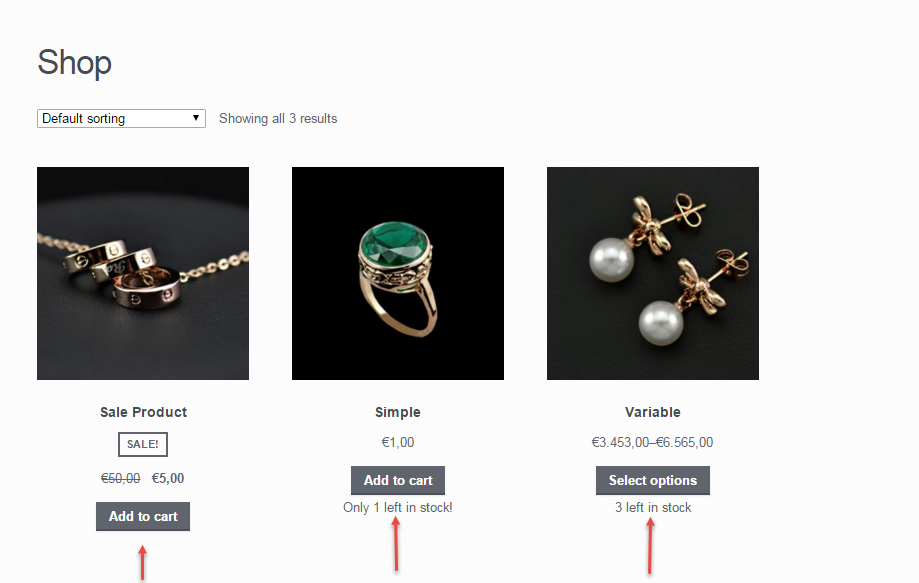
Thanks to the various requests I get from Business Bloomer fans, this week I’m going to show you a simple PHP snippet to echo the variations’ name and stock quantity on the shop, categories and loop pages.

Of course, if “Manage stock” is not enabled at variation level, the quantity will be null, and therefore the returned string will just say “In stock” or “Out of stock”.

Enjoy!

Continue reading WooCommerce: Display Variations’ Stock @ Shop Page

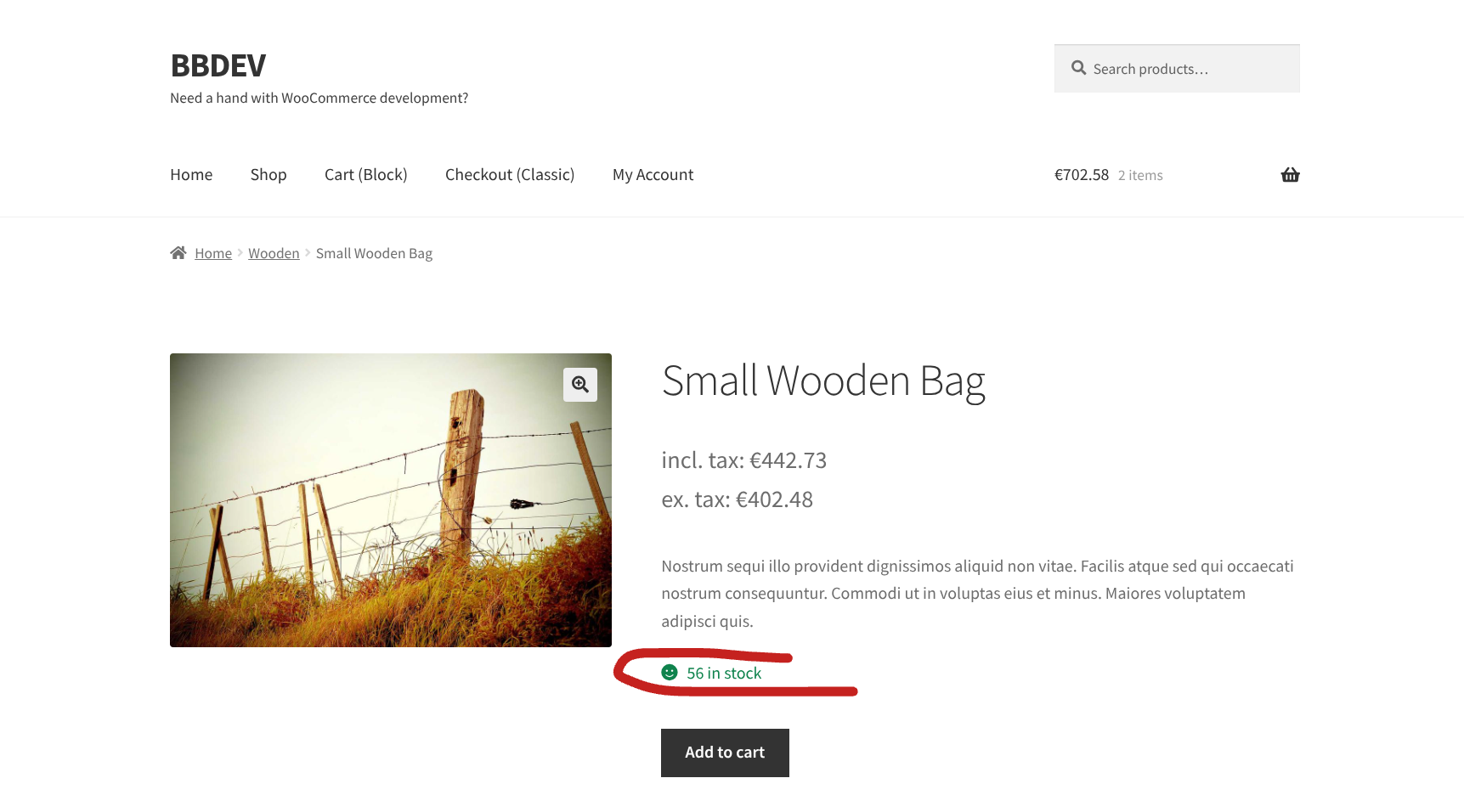
WooCommerce: Edit “# in stock” @ Single Product Page

I’ve come across many code snippets that modify the “In Stock” message on the WooCommerce single product page. However, most of them only change part of the text and leave the quantity untouched.

In some situations, that might be enough—but in my case, I needed a more precise and polished result. Specifically, I wanted to completely replace the default “X in stock” text with a custom string that reads “Quantity: X”. This not only changes the wording but also adjusts the order of the information to better fit the site’s style and tone.

It’s a small detail, but these subtle changes can significantly improve user experience and make your store feel more professional.

Thankfully, WooCommerce offers a useful filter that allows us to target and customize this specific output. If you’re looking to achieve a similar result and want full control over the stock message, here’s the PHP snippet I used.

Continue reading WooCommerce: Edit “# in stock” @ Single Product Page