
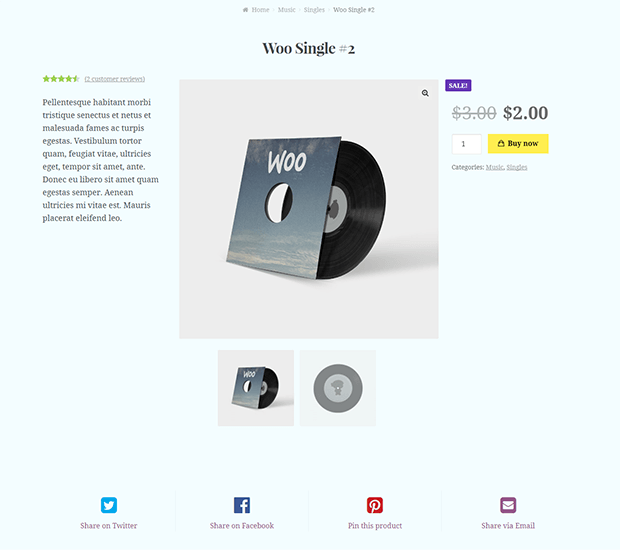
WooCommerce: How to Export/Import Products

Maybe you don’t know that, but WooCommerce has an inbuilt functionality for importing and exporting products from CSV/XML files. Therefore, most of the times, you don’t need a premium import/export plugin.

Simply go to WordPress Dashboard > Products > All Products and click on Import (or Export) and follow the instructions. That’s it!

This is a new functionality introduced since WooCommerce 3.0 and it’s working like a charm.

For more advanced import/export, automatic updates from server and more complex functionalities, take a look at WP All Import + WooCommerce Add-On

WooCommerce: Import California Tax Rates (.csv)

It took me ages to find a way to import ALL California tax rates into WooCommerce. I started by hand, and after a while I said to myself “California is crazy! I wouldn’t want to be an accountant there!”.

As usual, I looked for existing free and premium plugins, but I decided to do it my way. this tutorial gives you a ready-made CSV with all California US tax rates (as of 9 August 2014). Yes, it’s out of date, but you can download it, see how it is built, revise it with the correct rates, and follow the tutorial. Continue reading WooCommerce: Import California Tax Rates (.csv)